 Halftone 42
Knock out garment colour: DTF knockout for black and every colour
Knockout leaves areas unprinted where the design matches the garment colour. On black T-shirts, this removes black from the print so the fabric shows through, making the print lighter and softer. Halftone 42 knocks out any garment colour, with an optional soft transition to halftone dots.
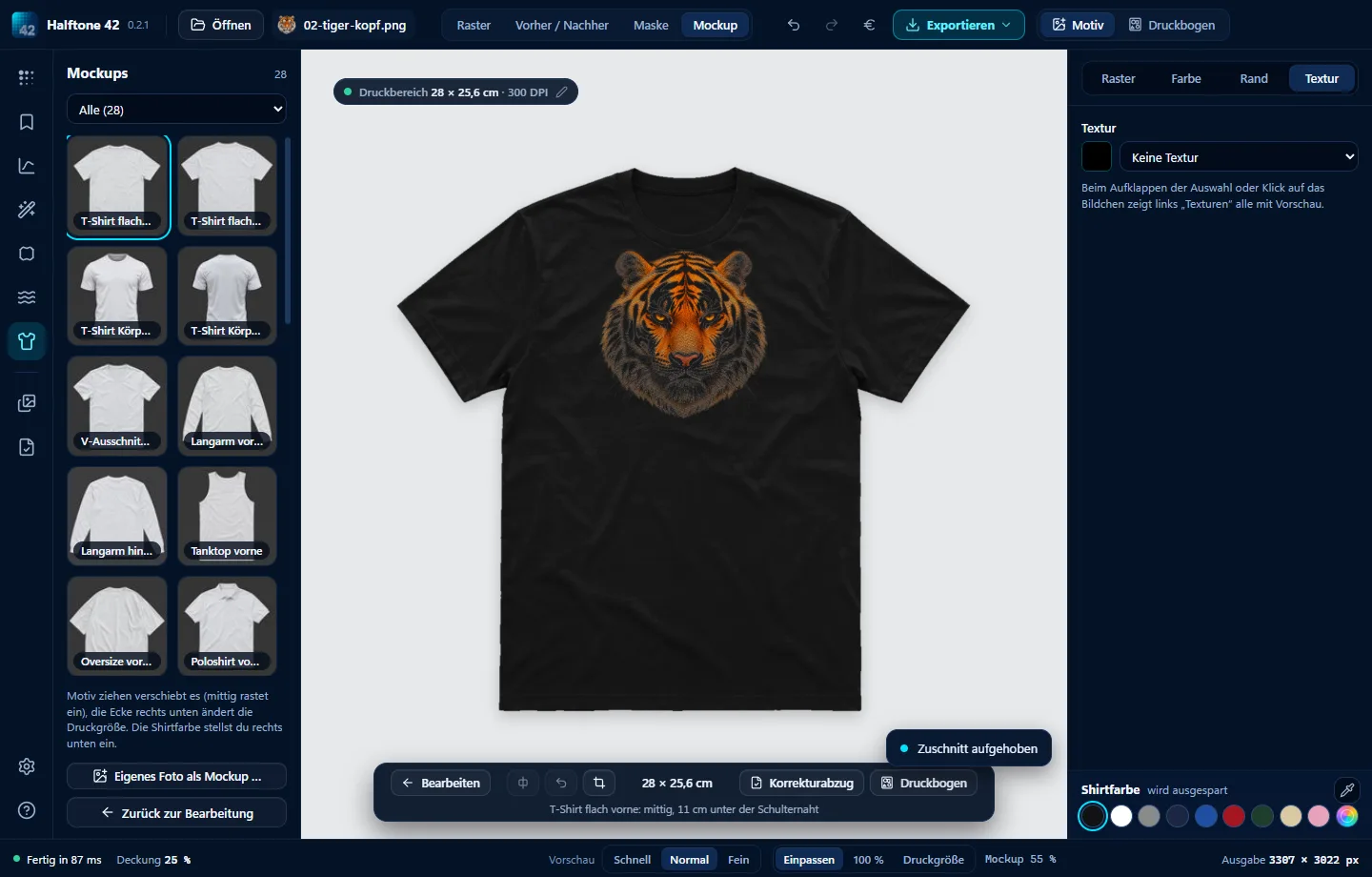

- 1 · Choose the garment colourAt the bottom right, or sample it from the image with the eyedropper.
- 2 · Choose the comparison“Colour distance” or “Levels” with black point, midpoint and white point.
- 3 · TransitionFade softly into dots instead of cutting off sharply.
- 4 · Check“Mask” view shows where ink will be printed; the mockup shows it on the garment.
Let the garment do some of the ink’s work.
Black knockout, colour knockout, white knockout
They all mean the same thing: a colour in the design is left unprinted. Halftone 42 does this with any colour – black, white, navy or your own. Knock out more colours with the eyedropper. “Also remove matching colour inside” includes enclosed areas; “Remove background” removes a solid-colour background.
Professional settings from guides
Many guides use levels such as 10 / 1.35 / 40 for any garment colour, or 8 / 1.0 / 45 for black and white T-shirts. Enter these numbers directly under Colour → Knockout → Comparison “Levels”. Find ready-made “Pro …” presets in the “Tried and Tested” group.
Try Halftone 42
Free for 28 days, no sign-up, for Windows and Mac. Then buy once from €39, all updates of version 1 included.